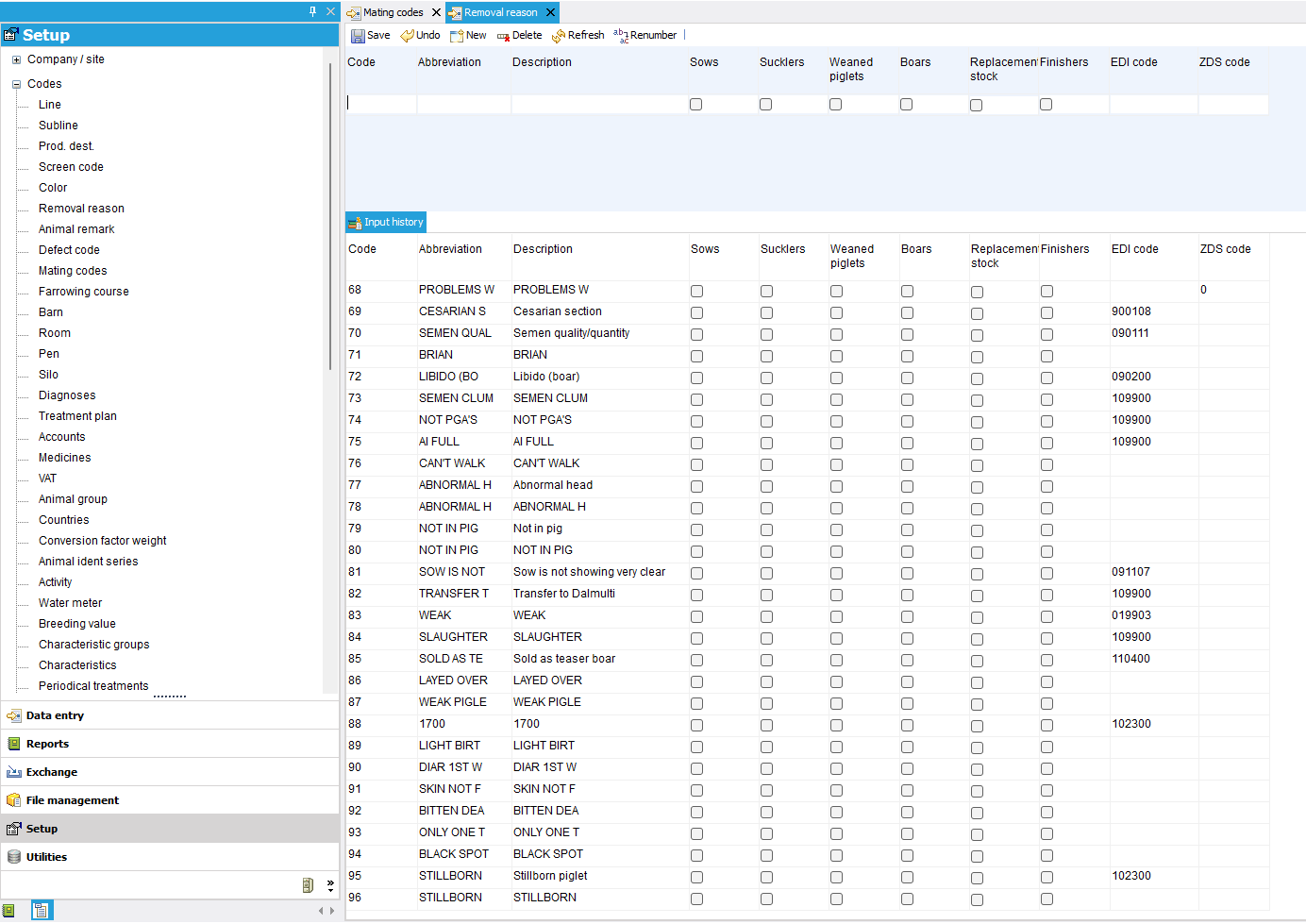
To create a new code, click on “Setup” in the left-hand menu. In the navigation pane, click on the + for Codes.
Now click on the type of code you want to enter. The fields for the selected code type will be displayed in the work window.
The code must always be unique within the relevant code type.
You can enter the abbreviation and description as you wish.
In some cases, there is an animal category to choose from, where you can indicate the animal type to which the code applies; by setting this up correctly, you will maintain a clear overview when entering an event.
Additional explanations are available for a number of code types. View them here:
Animal score
Costs/ income
Code setup: Animal ident series
Renumber or merge codes
It may happen that a code appears twice in the database or that you want to renumber a code used in all events to a different code.
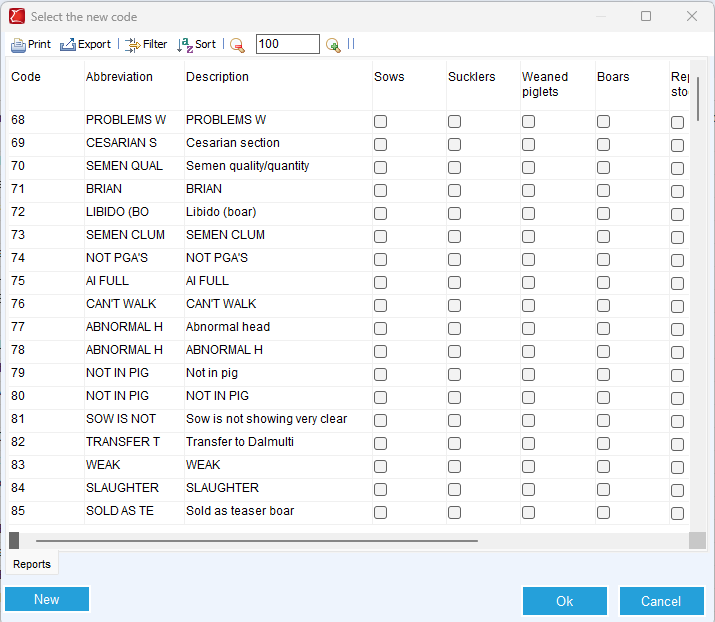
Select the code you want to renumber and click the ‘Renumber’ button.
In the pop-up that opens, you can select the other/new code.
When you click OK, the code will be renumbered to the code you just selected for all events where the old code was used.
It is now possible to remove the old code, which is no longer in use.