All business relationships can be entered into PigExpert. You can email these contacts directly from the program. It is also possible to link these contacts to debtors/creditors when animals are removed or added, or for feed deliveries and other costs or revenues.
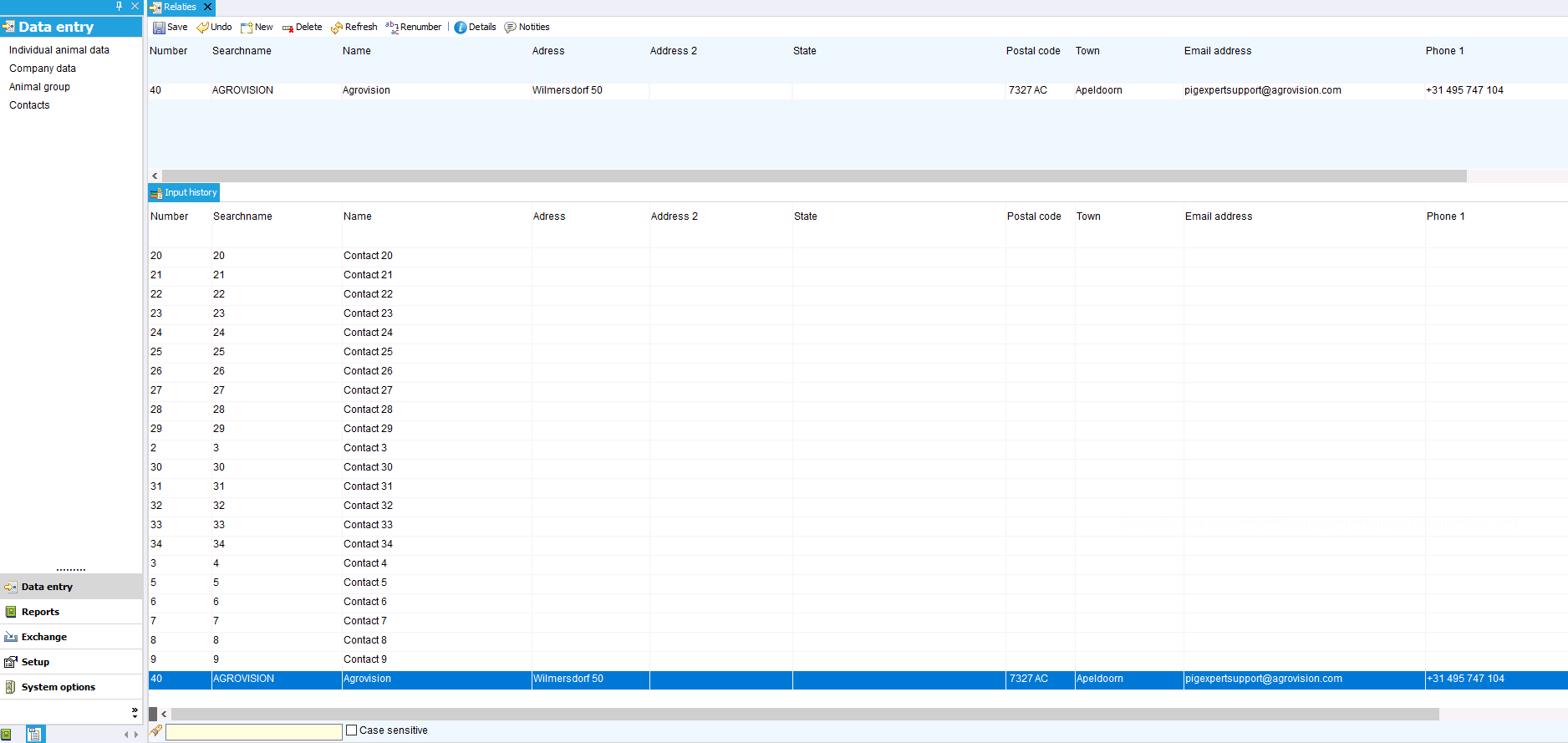
Go to Data entry -> contacts to view and edit existing contacts or to add new ones.
Enter a unique number in Number. This number can also be used when entering data to immediately indicate the relationship.
Enter the necessary information in the remaining fields. Not all fields are mandatory.
Tip:
You can use the search bar at the bottom of the screen to quickly search for existing contacts and edit their details.
Contact details
In addition to the standard contact details, you can add more information to a contact.
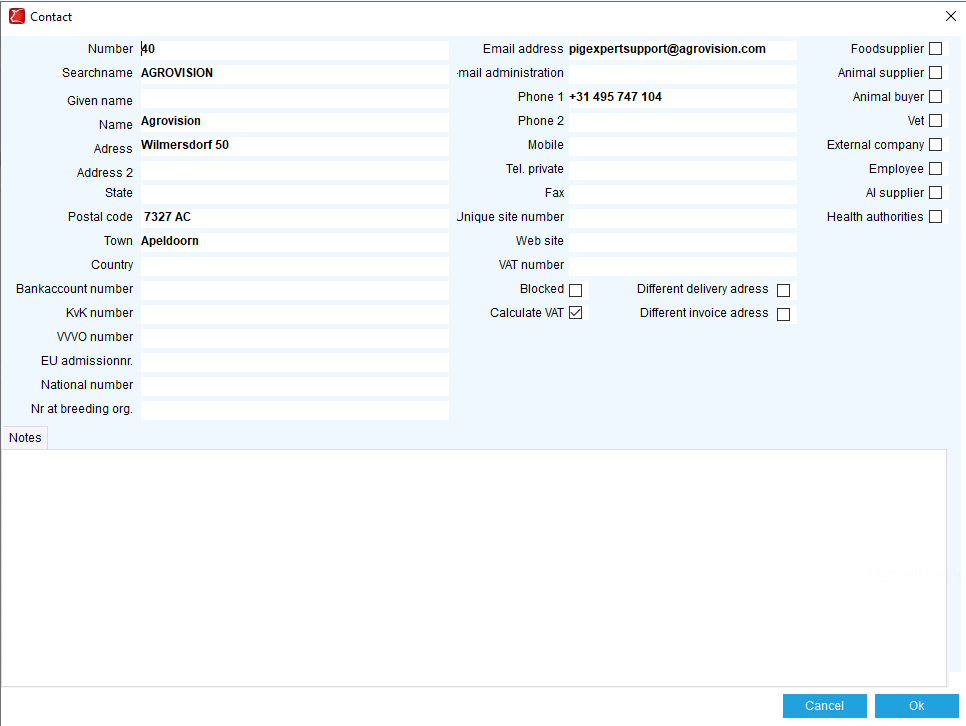
Once you have selected a contact, click on the ‘Details’ button; a pop-up window will open.
In this pop-up window, you can add additional contact details and adjust settings.
On the right side of this pop-up window, you can indicate which group the contact belongs to.
You can do this by checking the box next to animal buyer or feed supplier, for example.
Only if the relationship has been assigned to a group will you find the relationship in the selection list for the relevant event type when entering it.
Renumber or merge contacts
It may happen that a contact is listed twice in the database or that you want to renumber a contact used in all events to a different contact.
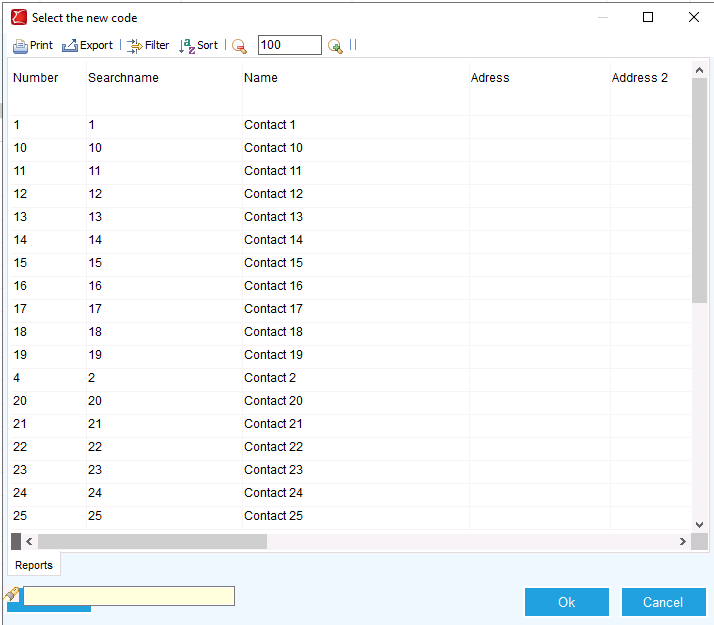
Select the contact you want to renumber and click on the ‘Renumber’ button.
In the pop-up that opens, you can select the other contact.
When you click OK, the contact will be renumbered to the newly selected contact for all events where the old contact was used.
It is now possible to delete the old contact, which is no longer in use.