If you sell pigs to another pig farmer, it can be helpful to include an import file that the buyer can import.
This is an efficient way to transfer data between two databases.
Print and Export Delivery Ticket
A delivery ticket can be generated for the sale of animals. This can be used to create an import file containing the data of the animals sold.
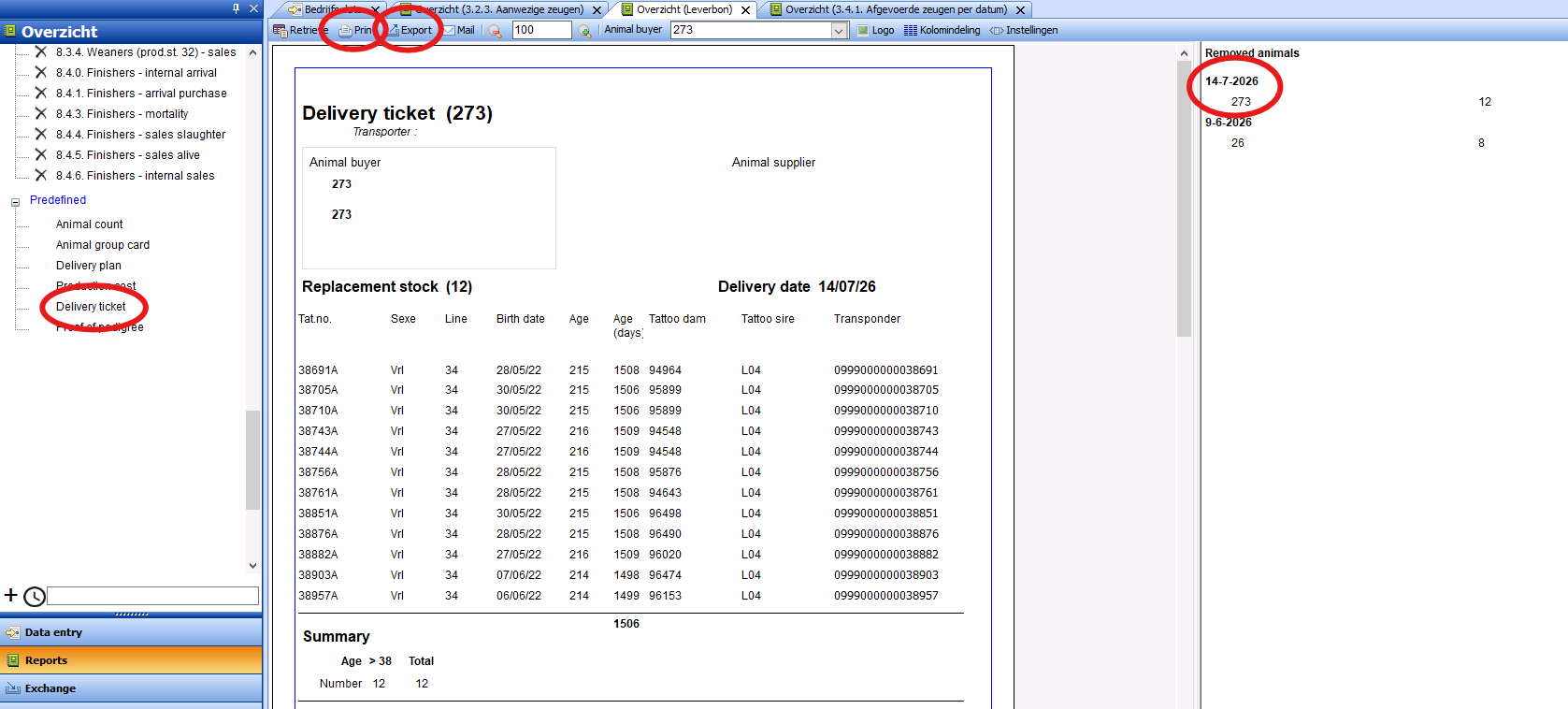
Go to Overview -> Delivery Ticket
And select the delivery ticket on the right that you want to export.
(A delivery is defined based on animals sold to a customer on a specific date)
Then click Print to print
Click Export to select an import file.
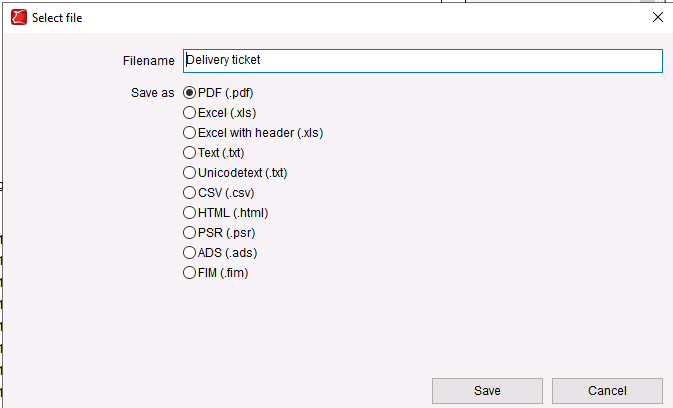
In the pop-up window that opens, select the file you want to export.
Use a file format that the customer’s program can import (e.g., .FIM or .ADS).
Click Save, and then click the checkmark in the bottom-right corner of the pop-up window that opens.
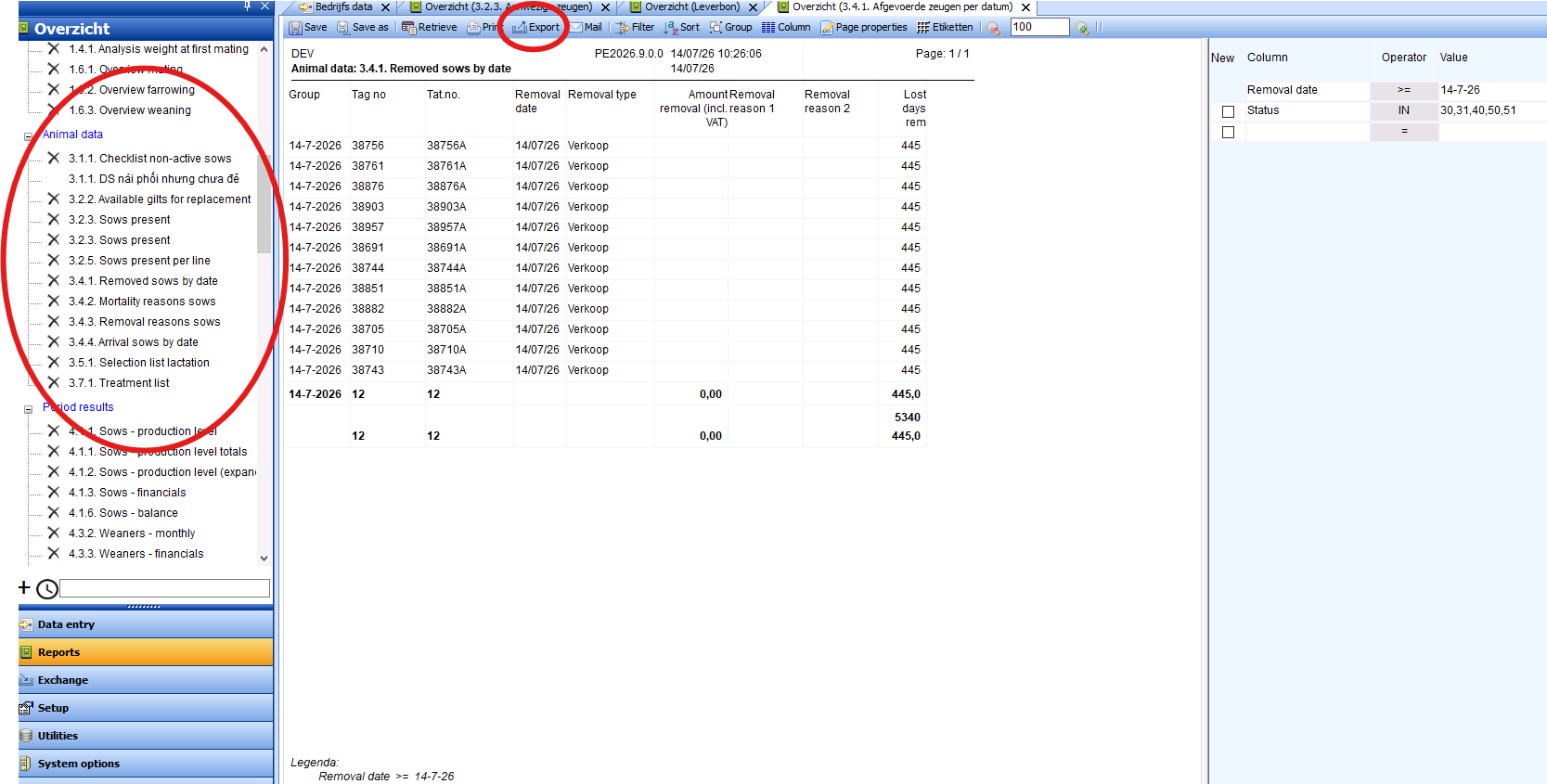
Generate an import file based on the animal data overview.
Once you have opened an animal data overview, you can export the animals in that overview as an import file.
Open an animal data overview containing animals.
Click Export to select an import file.
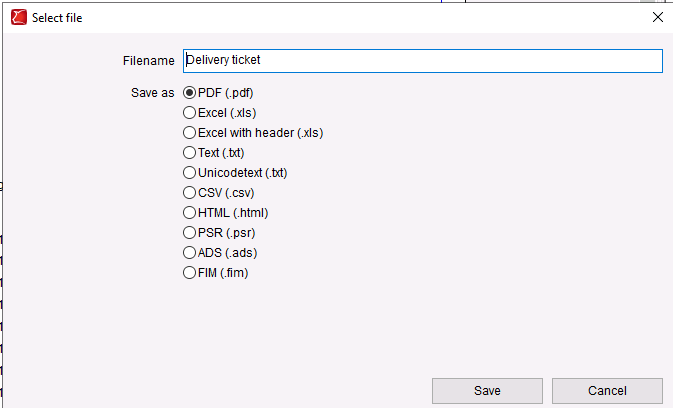
Then, in the pop-up window that opens, select the file you want to export.
Use a file format that the customer’s program can import (e.g., .FIM or .ADS).
Click “Save,” and then click the checkmark in the lower-right corner of the pop-up window that opens.