You can transfer your AgriSyst account to a MyAgrovision account by following the steps below.
- Go to the website https://portal.agrisyst.com in your internet browser.
- Then click in the Email address field and select your login details.
- Click on the eye icon to reveal your current password and write down your password for later use.
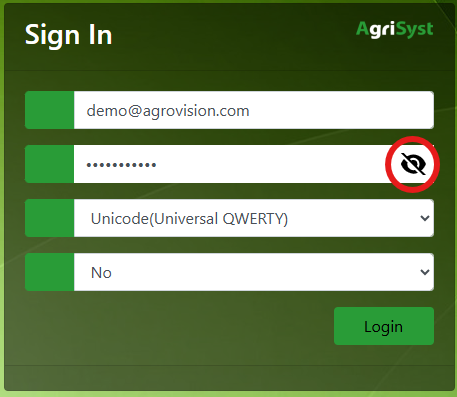
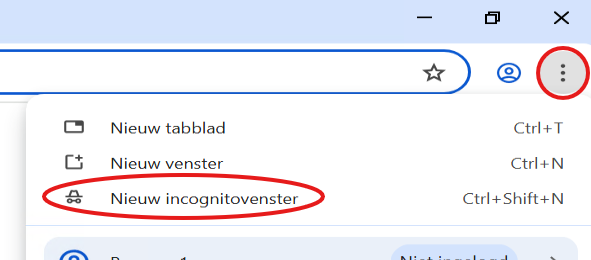
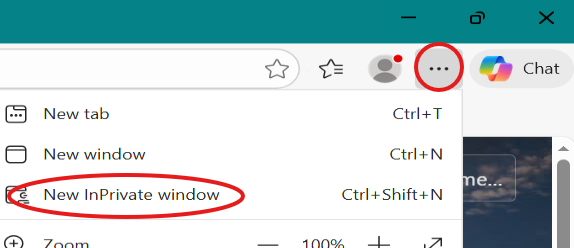
- If you don't see an Eye icon, open your browser in an incognito window:
In the browser, click on the three dots and select New Incognito Window (in Chrome) or New InPrivate Window (in Edge). - Go to https://portal.agrisyst.com
- Repeat steps 2 and 3.
- If you don't see an Eye icon, open your browser in an incognito window:
- Then go to my.agrovision.com.
- Enter your email address (the same address where you received the email).
Enter the password you just wrote down.
Click Login.
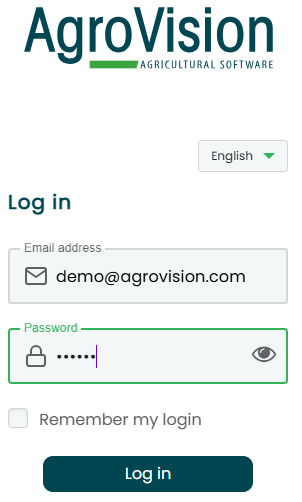
- An email with a confirmation code has just been sent to you.
Enter this code in the Confirmation code field and click Confirm.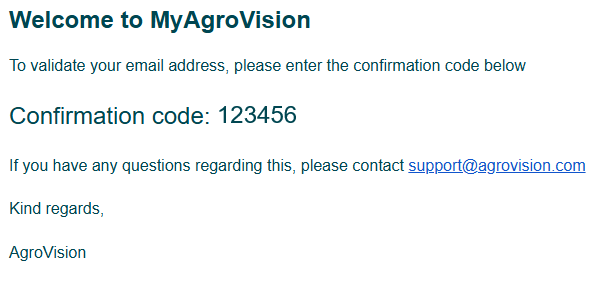
- Choose a new password, then click on “Confirm password.”
You can now use this new password to log in to my.agrovision.com, so make sure you save it somewhere safe!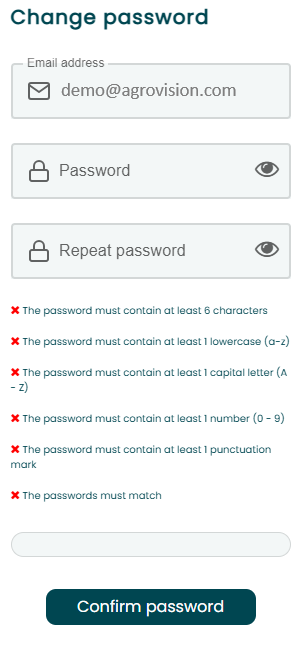
- You can then accept our privacy statement.
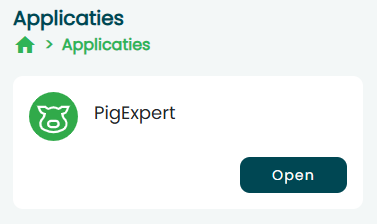
Once you have completed these steps, you can open PigExpert.