
If you want to change the number of a large group of animals, you can do this from an overview.
The steps below describe how to change the animal numbers of animals delivered on a specific date.
- Go to Overview.
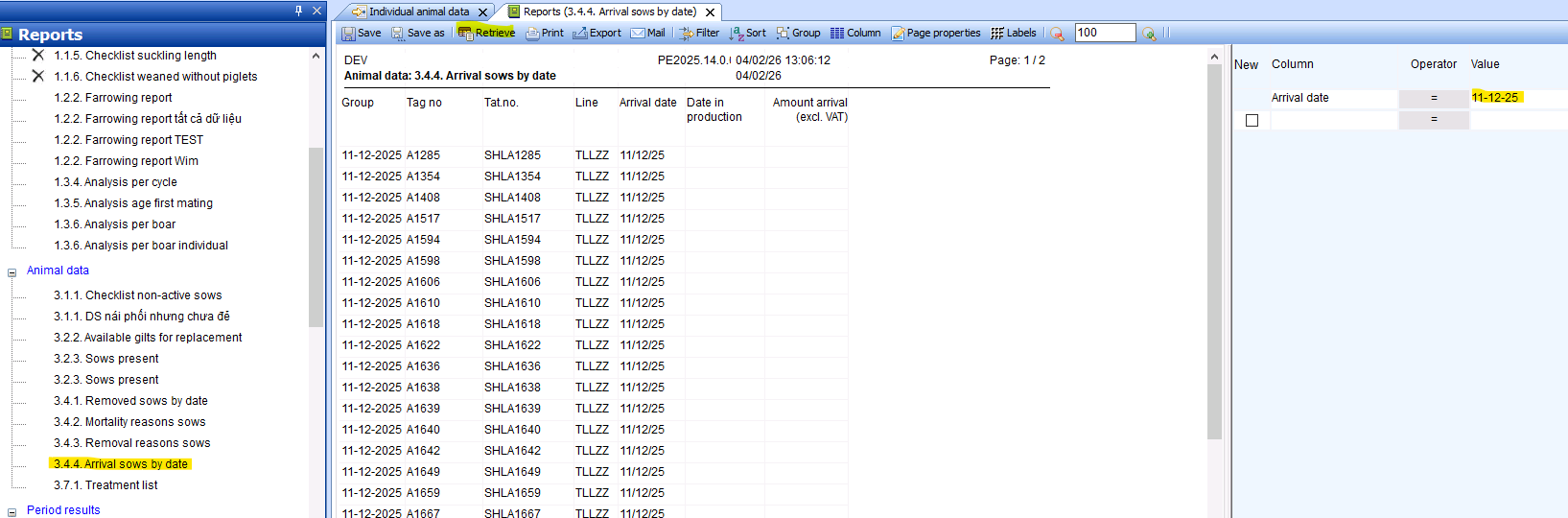
- Open overview 3.4.4. Sows delivered by date.
- Enter the delivery date on the right. In this case, 11-12-2025. (You can also use a different selection to select a different group of animals.)
- Click on Retrieve.
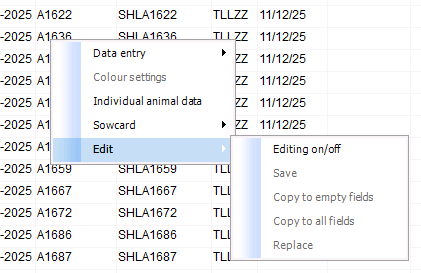
- Right-click in the overview.
- Click Edit.
- Click Edit on/off.
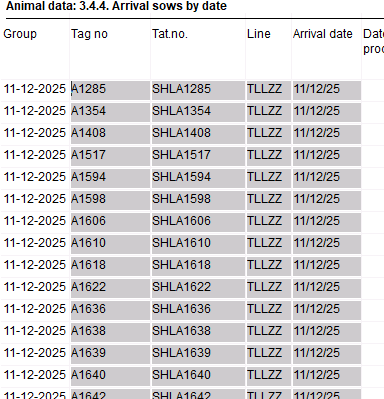
- The fields that can be edited are now grayed out. This also applies to the Plastic No. field. By selecting the field that needs to be edited, you can make changes here.
- To make the change permanent, click the right mouse button again while in the overview, select Edit, and then Save. PLEASE NOTE: after this, the change will be permanently saved and the animals will have a different plastic number.
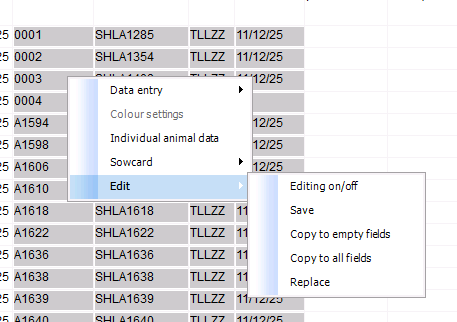
Depending on how many numbers have been changed, this may take anywhere from a few seconds to several minutes.