PigExpert offers the option to grant or restrict users access to specific companies or to block certain rights for a user.
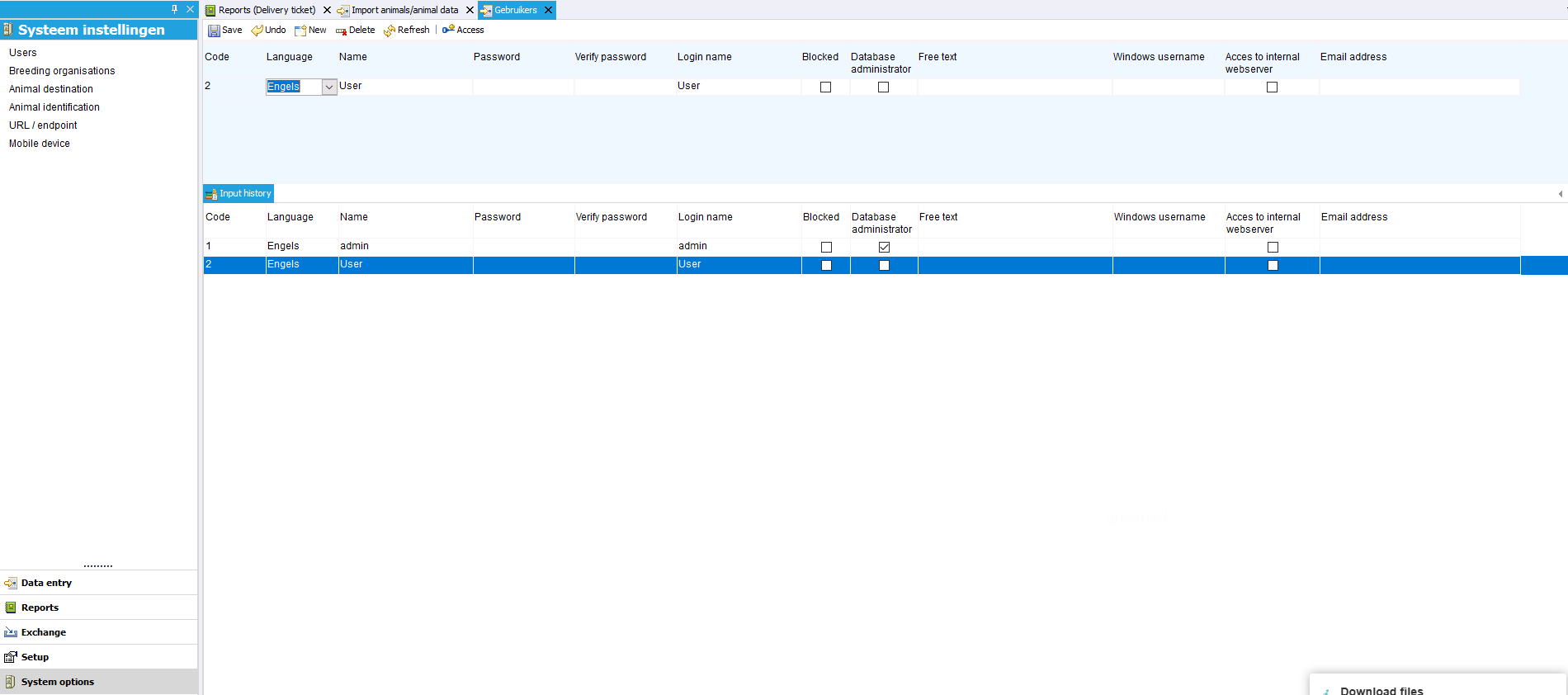
To do this, go to “System settings” -> “Users.”
Here you will find the list of users who have access to the PigExpert database.
In the user row, it is possible to make the user a Database administrator. With this function, the user has access to all companies and functions.
User-specific access
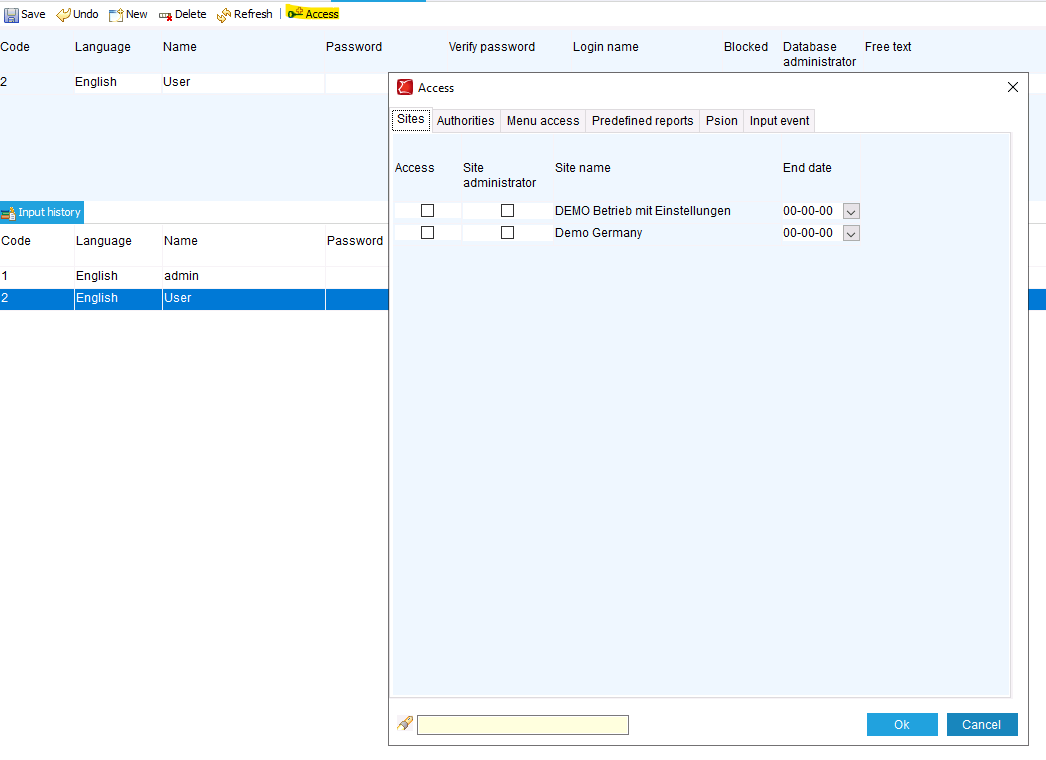
For other settings, you can select the user and click on “Access” in the toolbar.
In the pop-up that opens, you can specify which companies in the database the user has access to. You can also make the user a location administrator. This allows the user to change company-specific settings.
Click OK to save.
Permissions
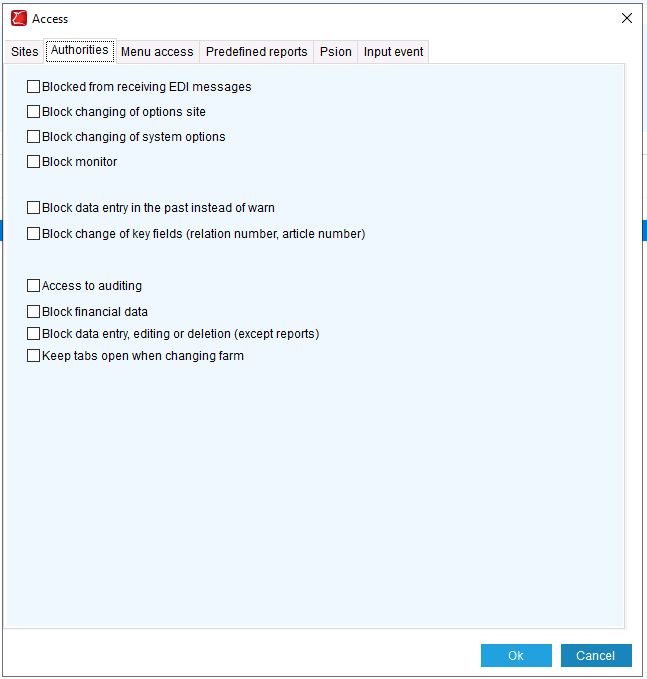
In the access settings, you will also find the authorities tab.
Here, you can block various functions for the user, such as the authority to change data or settings or view financial data.
Access to menu items or events
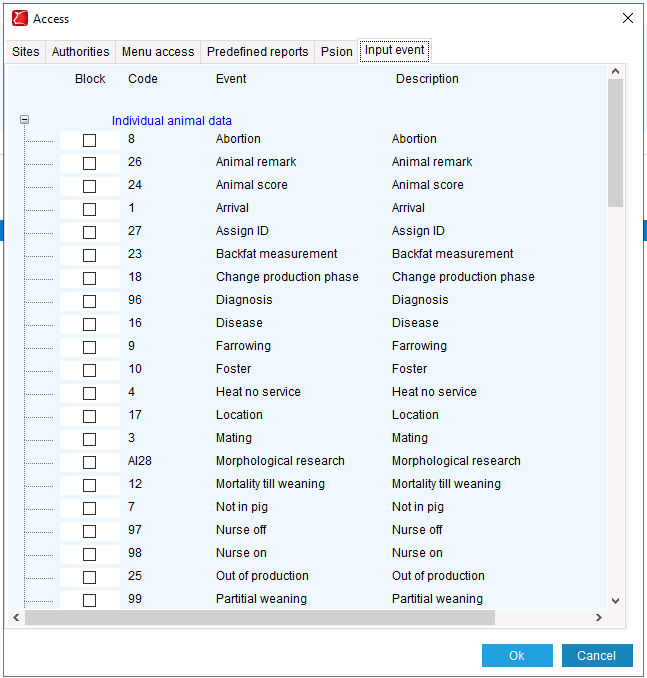
On the other tabs, it is possible to block access to a specific menu item, overview, or input event for the selected user.
This applies to input events for both the desktop and app versions of PigExpert.