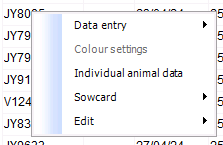
While reviewing the data in a report, you may want to modify an entry or take a closer look at it.
It is possible to go directly to the specific row in the data entry.
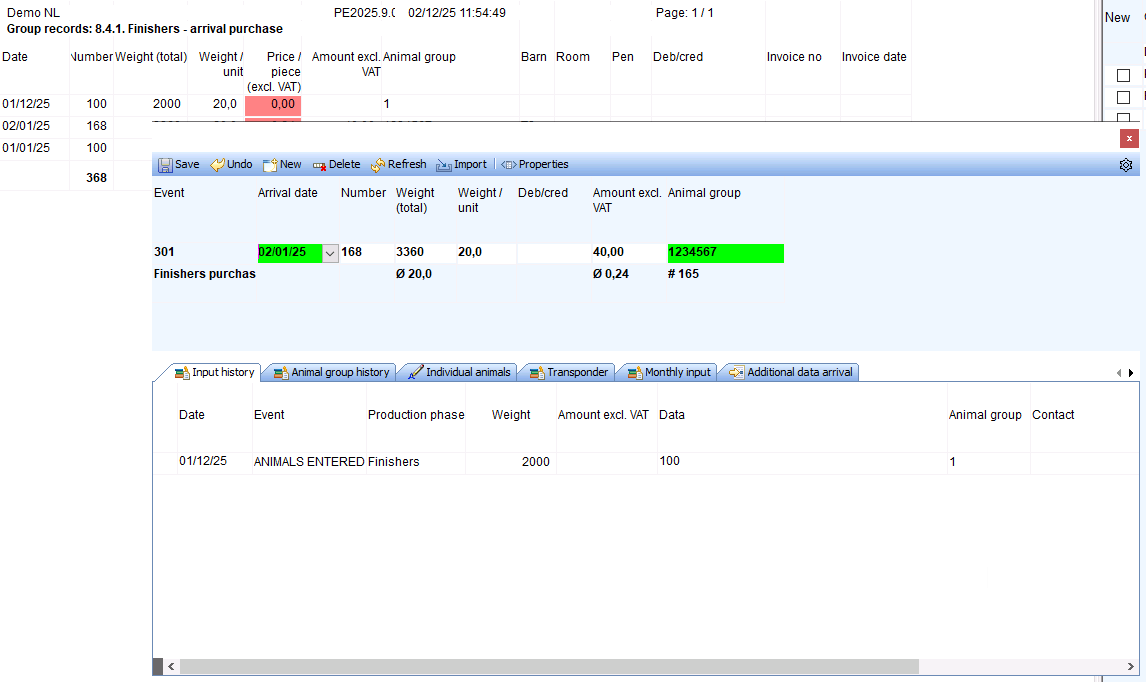
To open the data entry, double-click on the corresponding row.
A popup with the data entry screen will then open. You can use this screen to view or edit the entry and save it.
You can keep the popup open and select another row by double-clicking.
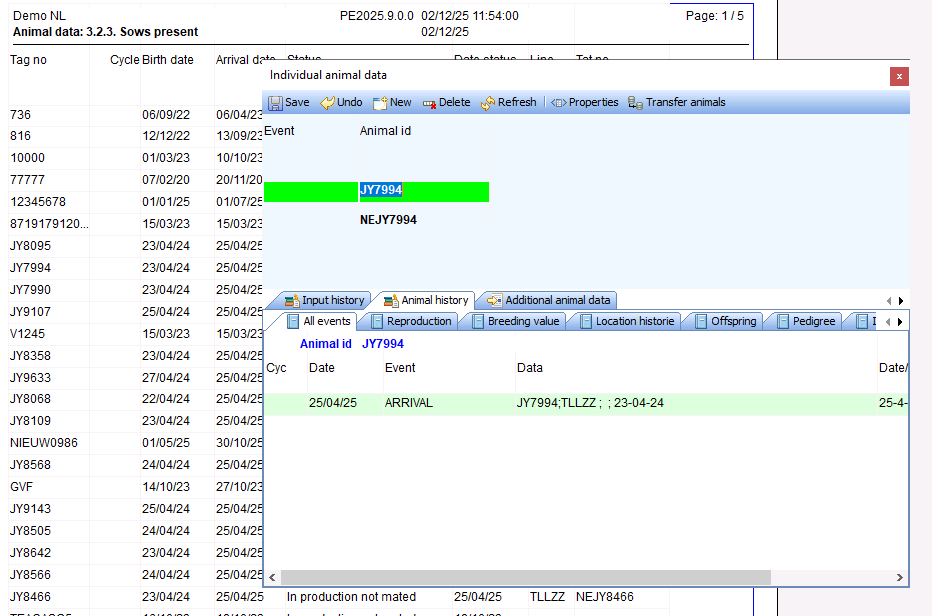
You can also right-click and select Individual Animal Data (not available for group data reports).