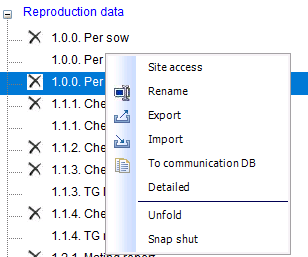
Some reports are not applicable to all companies in the database or to all users.
To adjust the availability of a report, right-click on the report and select Site access.
To adjust the availability of a report, right-click on the report and select Site access.
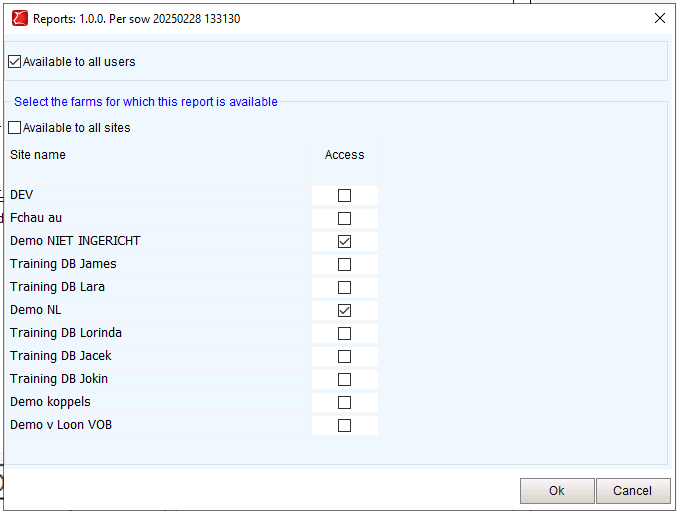
In the popup that opens, you can specify whether the report is visible to all users.
If this option is not checked, the report will only be visible to the owner of the report (the person who added it).
You can also indicate whether the report should be available for all companies in the database.
If this is not the case, you can uncheck the option and select the companies that should have access to the report.
Click OK to save.