
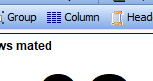
To change the cycle data on the sow card, click on Column button in the toolbar.
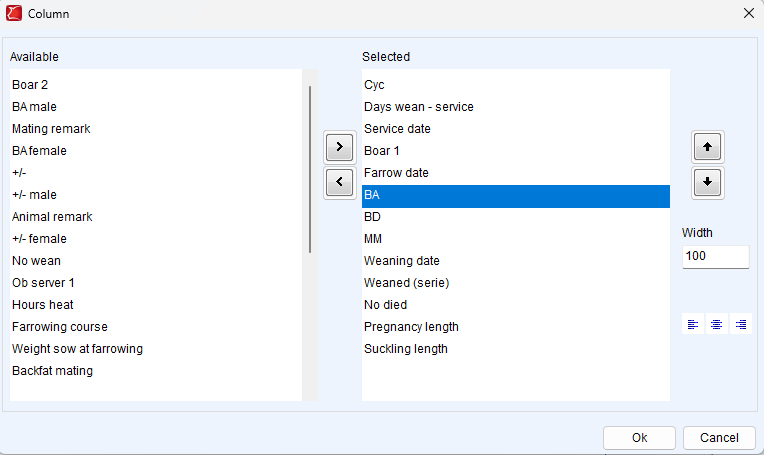
The pop-up window that opens shows the available and already selected results.
To add results, drag them from the left column to the right column. You can also select a result and use the < / > buttons.
In the column with selected results, you can change the order of the columns by dragging them or using the ⬆ / ⬇ buttons.
The top result will be displayed first on the sow card.
You can change the width of a result by selecting the result and adjusting the value in the width field to a higher or lower value.
Click OK to save the change.
If you want to make more changes to the sow card, see: Change layout of the sowcard
Don't forget to save changes to the sow card by clicking Save or Save As in the toolbar.