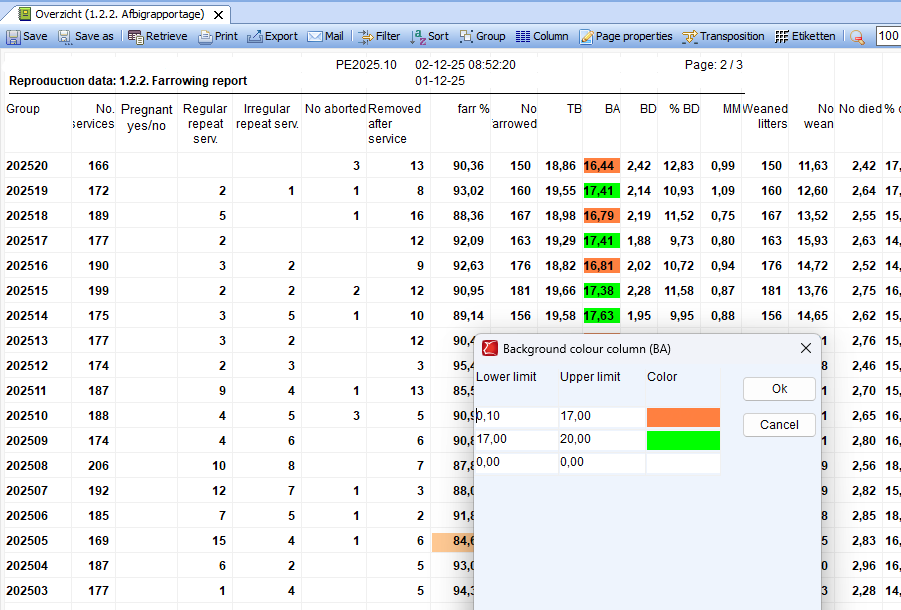
It is possible to specify target values in the overviews within the ‘Cycle data or Working lists’ category and display them in color.
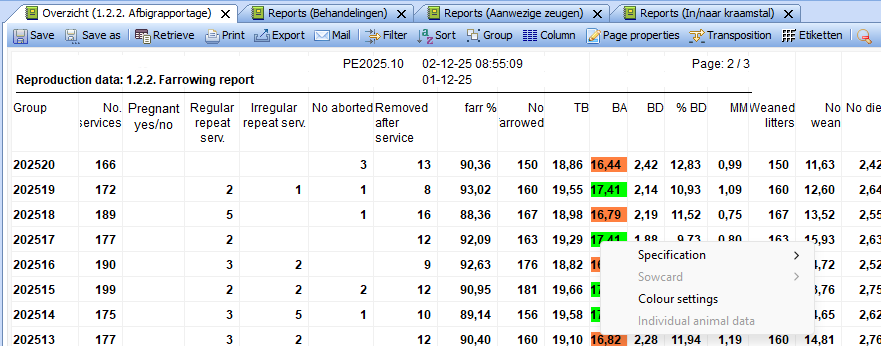
To do this, right-click in a column of the overview and select ‘Color settings’.
You can then set the colors for the relevant column yourself, corresponding to a lower and upper limit that you have set yourself.