PigExpert is available in multiple languages. Users are set up to see the database in their preferred language, but it is possible to change the language settings if desired.
Set language for current session
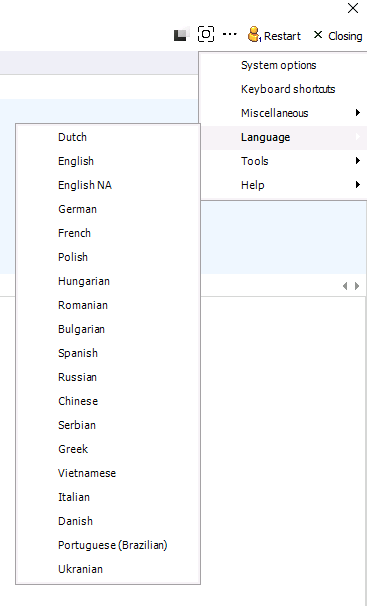
To change the language for the current session, click on the 3 dots in the top right corner and select “Language” and select the preferred language. Based on how many tabs are opened in the program, it may take a while to update these settings.
Please note that custom events, nonstandard reports and codes added in a specific language will not be translated by changing the language settings.
Customize default settings for the user
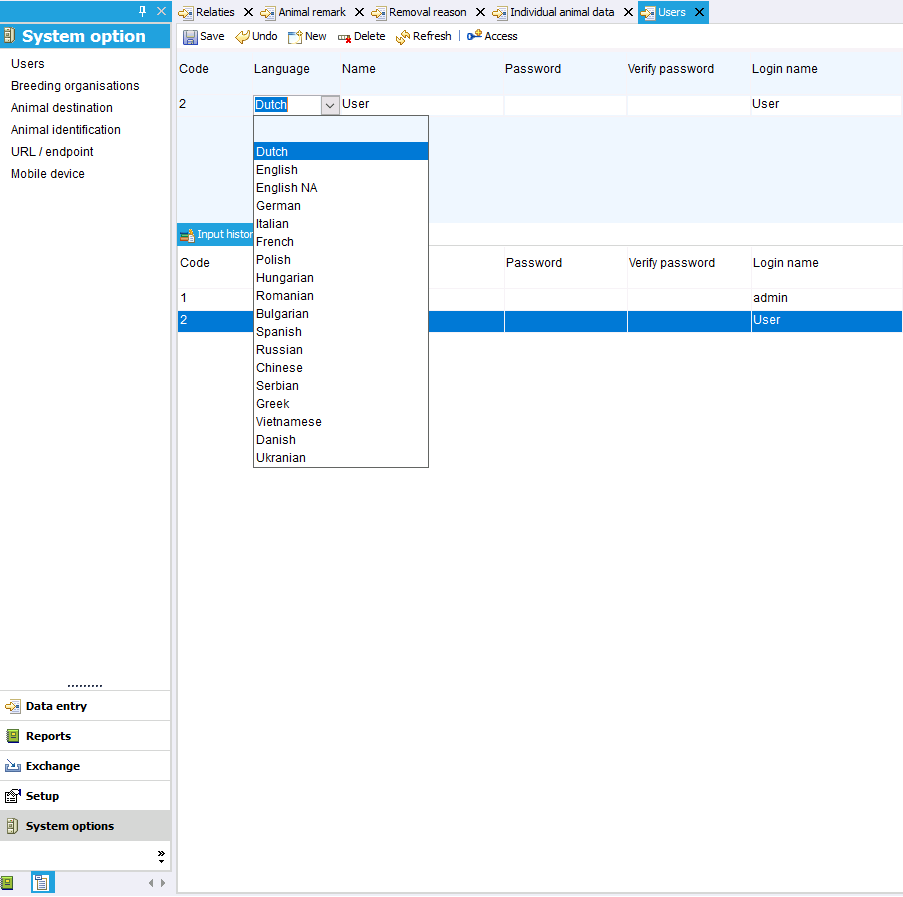
To change the default settings for a specific user, go to: System options --> Users.
Select the user whose default language you want to change and choose the correct language under “Language.”
Then click “Save.”
The next time this user logs in, the program will start up in the correct language.