
With both Farrowing and Weaning there is the option of Tattooing Piglets.
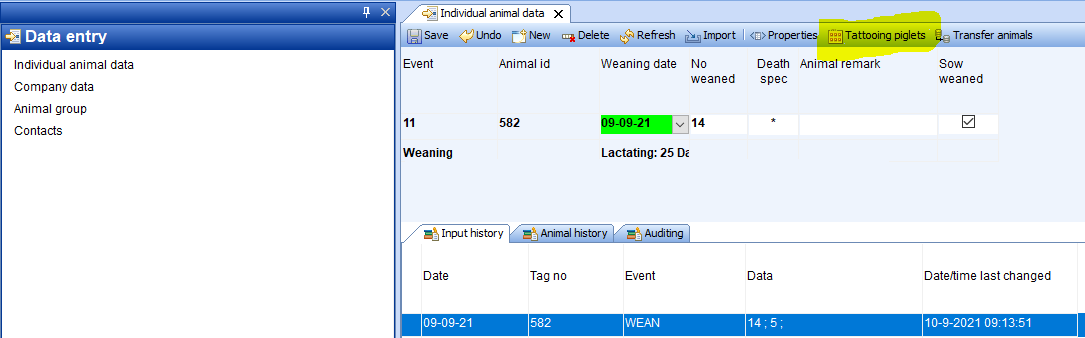
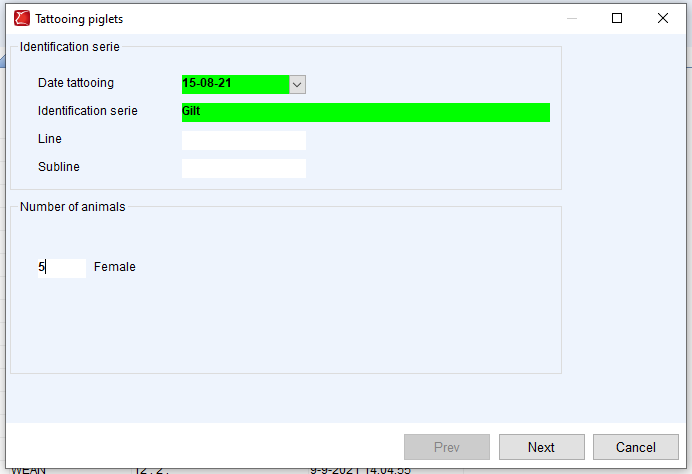
After selecting the tattooing option you can select the Identification serie you need and optional is a Line and Subline for the animals. The Date tattooing is not needed to fill in, PigExpert will automatically fill in the date of birth here. At Number of animals you fill in how many females you want to tattoo, in this example 5. Click on Next
If no identification series has been set up for your company yet, please see: Code setup: Animal ident series
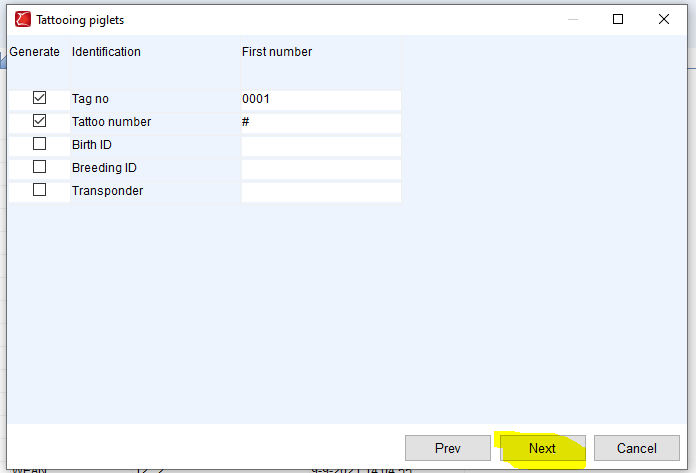
Check if the right Tag number (and Tattoo number) is filled in for the 1st animal. If this is correct click next. If it is not correct, change the Tag number to what it should be. Click next.
Check if all numbers and information for the animals is correct. If so, click Finish.
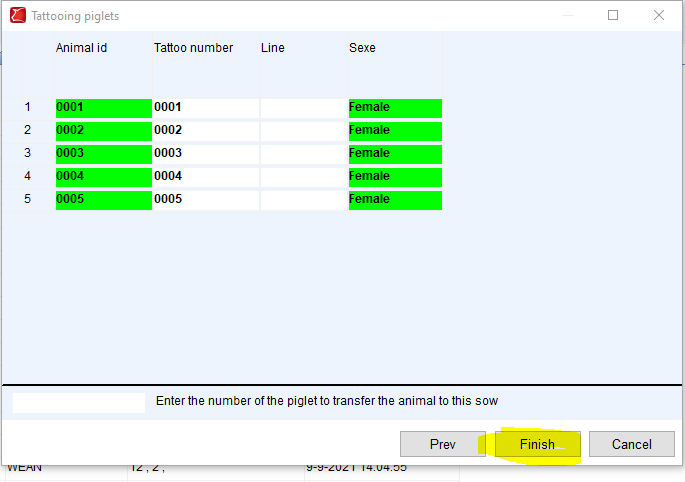
If any error occurs (because for instance an animal ID is already in use) a red cross will appear in front of the Animal ID with the information for why the animal couldn’t be added. If all animals were OK, the screen with tattooing will close and you will have (in this example) 5 tattooed piglets.
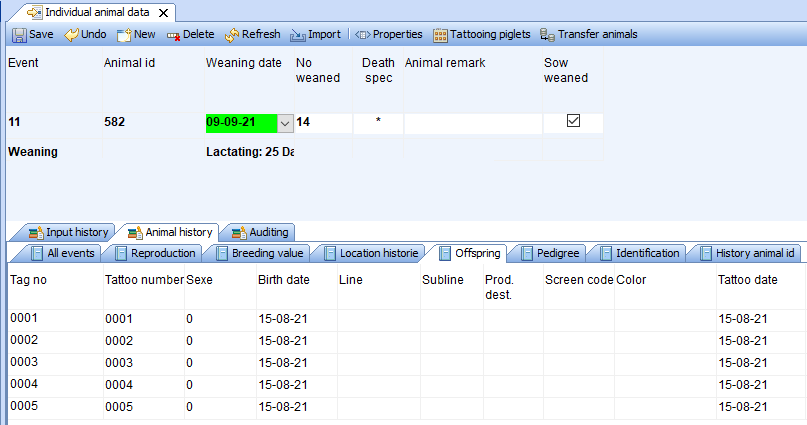
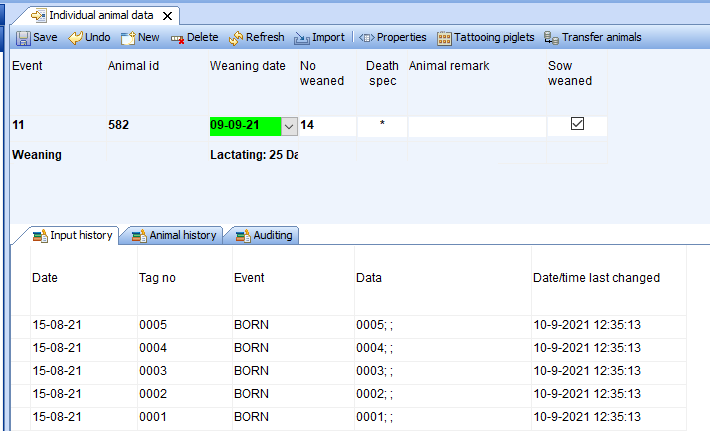
From now on these animals will be individually known in PigExpert, but they won’t show up on your animal count. You don’t need to do anything with them until they become a gilt.